
Soap Dispenser Troubleshooting Guides
Premium FontanaShowers reviews for shower systems, touchless faucets, and luxury bathroom fixtures.
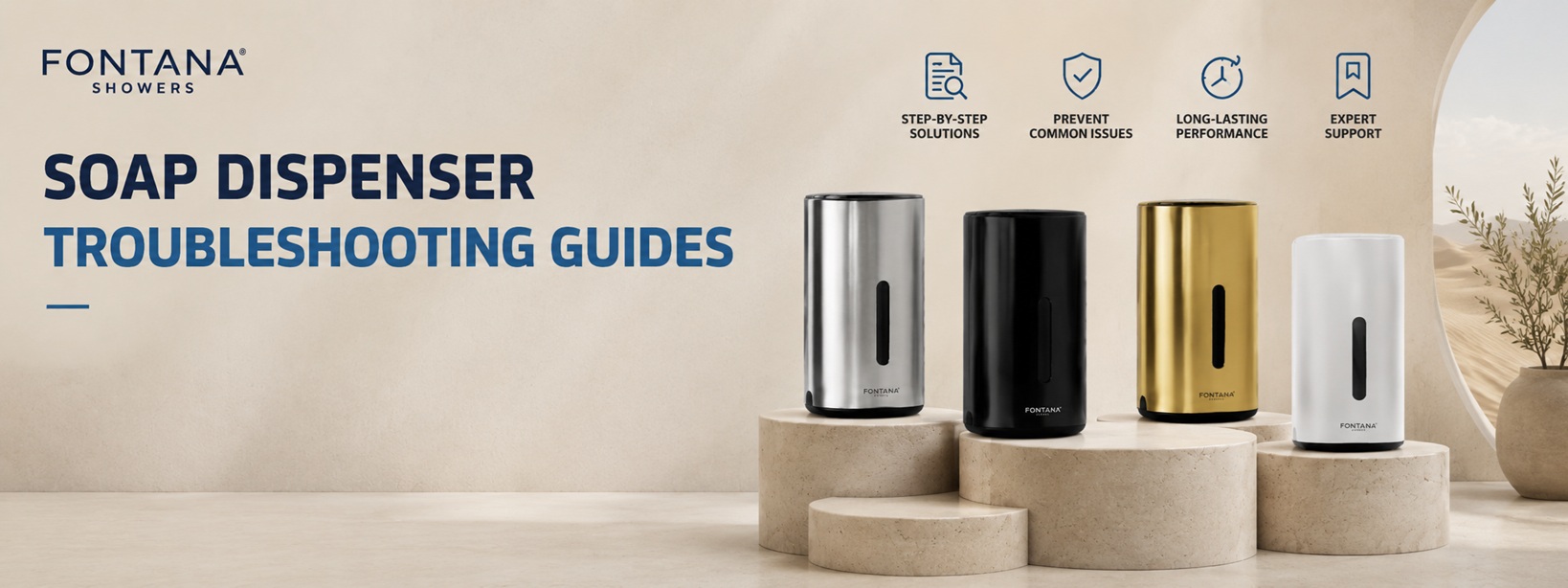
Automatic Soap Dispenser Troubleshooting Guide: Fix Blinking Red Light & Common Problems
Last updated: June 2026 — Complete troubleshooting guide for automatic soap dispensers. Learn why your dispenser is blinking red, how to fix sensor problems, replace batteries, reset the unit, and when to replace vs repair. Essential for facility managers and homeowners.
Troubleshooting insight: 80% of automatic soap dispenser problems are resolved by replacing batteries or cleaning the sensor. This guide walks you through every possible issue, from blinking red lights to complete failures, with step-by-step solutions.
Why Is My Automatic Soap Dispenser Blinking Red?
The blinking red light is the most common complaint about automatic soap dispensers. Different blink patterns indicate different problems:
| Light Pattern | What It Means | Solution |
|---|---|---|
| Slow blink (every 2-3 seconds) | Low soap level – cartridge is almost empty | Replace or refill soap cartridge |
| Fast blink (every second) | Low battery – power is running out | Replace all batteries with fresh ones |
| Solid red light (stays on) | Sensor blocked or malfunctioning | Clean sensor lens with soft cloth |
| 3 blinks, then pause | Sensor obstruction detected | Remove obstruction, clean sensor area |
| 5 blinks, then turns off | Cartridge not recognized (proprietary models) | Reinstall or replace cartridge |
| Continuous blinking after refill | Air in the pump line or sensor needs reset | Prime pump by running cycles, reset unit |
Target keywords: soap dispenser blinking red light, automatic soap dispenser flashing red, soap dispenser red light problem
Common Automatic Soap Dispenser Problems & Solutions
Soap Dispenser Not Dispensing Soap
Check: empty cartridge, clogged nozzle, dead batteries, failed pump. Solution: refill, clean nozzle, replace batteries, or replace unit.
Sensor Not Detecting Hands
Check: dirty sensor lens, low batteries, sensor misalignment. Solution: clean lens, replace batteries, adjust sensor position.
Continuous Dispensing (Won’t Stop)
Check: stuck sensor, water on sensor, debris in window, faulty circuit board. Solution: clean sensor, dry thoroughly, reset unit.
Flashing Red Light
Check: low soap, low battery, sensor blocked, cartridge error. Solution: refer to light pattern table above.
Weak Soap Output
Check: low soap level, partial clog, weak batteries, pump wear. Solution: refill, clean nozzle, replace batteries.
Pump Not Working / No Sound
Check: dead batteries, loose connections, failed motor. Solution: replace batteries, check wiring, replace unit if motor failed.
How Automatic Soap Dispensers Work: Understanding the Components
- Infrared sensors: Emit an invisible beam that detects hand movement within 1-4 inches of the nozzle. When hands are detected, the sensor sends a signal to activate the pump.
- Activation systems: The circuit board processes the sensor signal and controls the timing of the pump (typically 1-3 seconds of dispensing).
- Soap pumps: A small electric motor drives a gear pump or peristaltic pump that draws soap from the cartridge to the nozzle.
- Cartridge systems: Refillable or disposable cartridges contain liquid soap, foam, or sanitizer. Some use RFID chips to communicate with the dispenser.
- Battery operation: Most units use 4-6 AA or C batteries providing 6-12 months of operation in commercial settings, 12-24 months in residential.
How to Reset an Automatic Soap Dispenser: Step-by-Step
Quick reset tip: The universal reset method works for most brands: remove batteries for 60 seconds, reinstall fresh batteries, and test. This clears any error states and recalibrates the sensor.
- Battery removal method: Remove all batteries, wait 30-60 seconds (allowing capacitors to discharge), reinstall fresh batteries. Works for 90% of dispensers.
- Power cycle procedure: Turn off dispenser (if switch exists), wait 10 seconds, turn back on. Some models have hidden power switches under battery cover.
- Sensor recalibration: After battery replacement, wave hand under sensor 5-10 times to recalibrate detection zone.
- Cartridge verification: Remove and reinstall soap cartridge, ensuring it clicks into place. Open and close cover 3 times.
- Testing process: After reset, test 3-5 times to confirm normal operation. First 1-2 cycles may be weak as pump primes.
Battery Problems and Replacement Guide for Soap Dispensers
Warning: Never mix old and new batteries. Always replace all batteries at the same time. Mixing batteries can cause leaks, reduced performance, and damage to the circuit board.
- Low battery symptoms: Fast blinking red light, weak soap output, slow sensor response, inconsistent dispensing, or no operation at all.
- Battery types: Most dispensers use 4-6 AA alkaline or lithium batteries. Some use C batteries or built-in rechargeable lithium-ion packs.
- Battery life expectations: Commercial use (500+ cycles/day): 6-12 months. Residential use (10-50 cycles/day): 12-24 months.
- Incorrect installation issues: Check polarity (+/- alignment). Reverse polarity can damage circuit board. Ensure batteries are fully seated.
- Corrosion troubleshooting: White/green crust on contacts indicates battery leak. Clean with baking soda/water paste and cotton swab. Severe corrosion may require contact replacement.
Sensor Troubleshooting Guide: Fix Detection Problems
- Dirty sensor windows: Most common sensor problem. Clean weekly with soft, damp cloth. Avoid alcohol, ammonia, or abrasive cleaners that scratch the lens.
- Lighting interference: Direct sunlight or strong overhead lights can confuse IR sensors. Relocate dispenser or adjust angle to reduce interference.
- Sensor alignment issues: Sensor should point straight down at hand zone. Bent or misaligned sensors may not detect properly.
- Water damage: Moisture inside sensor window can cause false triggering. Dry thoroughly with soft cloth. If recurring, seal edges with clear silicone.
- Calibration problems: Some models allow sensitivity adjustment via dial under battery cover. Increase sensitivity if hands are not detected.
Soap Cartridge Issues: Installation, Air, and Compatibility
- Incorrect cartridge installation: Cartridge must click into place. Cover must close completely. Check alignment arrows on cartridge and dispenser.
- Air trapped in lines: After replacing cartridge, air bubbles can block flow. Prime pump by running 5-10 cycles until soap flows consistently.
- Clogged nozzles: Dried soap residue blocks flow. Remove nozzle (if possible), soak in warm water, clear with pin or paperclip.
- Product compatibility problems: Some dispensers require specific cartridge types (foam vs liquid vs sanitizer). Check specifications before purchasing refills.
- Proprietary vs universal: GOJO, Simplehuman, and other brands use proprietary cartridges with RFID chips. Universal dispensers accept any brand refill.
Repair vs Replacement: When to Fix and When to Buy New
| Situation | Repair | Replace |
|---|---|---|
| Dead batteries | ✓ Replace batteries ($5-10) | Not needed |
| Dirty sensor/nozzle | ✓ Clean (free) | Not needed |
| Battery corrosion (minor) | ✓ Clean contacts | Not needed |
| Sensor failure | ✓ Replace sensor ($10-20) | If sensor not available |
| Broken housing/cracked cover | May not be possible | ✓ Replace dispenser |
| Failed pump motor | Not cost-effective | ✓ Replace dispenser ($30-150) |
| Fried circuit board | Not repairable | ✓ Replace dispenser |
| Dispenser age >5 years | Limited parts | ✓ Upgrade to newer model |
Best Commercial Soap Dispensers: What to Look For
- Commercial-grade construction: ABS plastic or metal housings, vandal-resistant design, tamper-proof covers, impact-resistant materials.
- Touchless dispensing technologies: Infrared sensors with adjustable range (1-6 inches), resist false triggering from reflections or ambient light.
- Durable commercial-grade construction: Heavy-duty pumps rated for 100,000+ cycles, corrosion-resistant battery contacts, sealed electronics.
- Maintenance-friendly designs: Easy-access battery compartment, removable nozzle for cleaning, visible soap level windows, tool-free refill access.
- High-traffic restroom solutions: 800-1500 mL soap capacity (fewer refills), 6-12 month battery life, 2-5 year commercial warranty.
- Long-term maintenance considerations: Universal cartridge compatibility (lower long-term cost), available replacement parts, local technical support.
Preventive Maintenance Tips to Avoid Soap Dispenser Problems
- Cleaning sensors: Wipe sensor lens weekly with soft, dry cloth in commercial settings. Monthly in residential use. Never use alcohol or ammonia.
- Checking batteries: Test dispenser monthly. Replace batteries every 6 months in commercial use, annually in residential. Use quality alkaline or lithium.
- Inspecting cartridges: Check soap level weekly in high-traffic restrooms. Refill before empty to avoid air in lines.
- Routine testing: Test dispenser daily in public restrooms. Immediate detection of problems prevents guest complaints.
- Preventing downtime: Keep spare batteries and refill cartridges on hand. For critical facilities, maintain backup dispensers.
View complete soap dispenser collection →
Frequently Asked Questions About Automatic Soap Dispensers
A blinking red light indicates low soap (slow blink), low battery (fast blink), or sensor obstruction (solid or 3 blinks). Check the pattern and refer to the light pattern table above for the specific solution.
Most common causes: empty cartridge (80%), dead batteries (15%), or clogged nozzle (5%). Replace cartridge first, then batteries, then clean the nozzle with warm water and a pin.
Universal method: remove batteries for 60 seconds, reinstall fresh batteries. For GOJO models: open cover, remove cartridge, press reset button for 10 seconds, reinstall cartridge, close cover.
Commercial use (500+ cycles/day): 6-12 months. Residential use (10-50 cycles/day): 12-24 months. Replace immediately when you see fast blinking red light or weak dispensing.
Yes – a dirty sensor is the second most common cause of dispenser failure after dead batteries. Clean the sensor lens weekly with a soft, dry cloth to maintain reliable operation.
Continuous dispensing usually indicates a stuck sensor, water on the sensor lens, or debris in the sensor window. Clean and dry the sensor area thoroughly. If problem persists, reset the unit.
Replace when: pump fails (not cost-effective to repair), circuit board is damaged, housing is cracked, unit is >5 years old with no parts available, or repair costs exceed 50% of new unit price.
Yes – commercial-grade dispensers use heavier components, higher-quality sensors, and are tested for 100,000+ cycles. They also offer better vandal resistance and longer warranties (2-5 years vs 1 year).
Repair vs Replace Decision Matrix
| Problem | Recommendation | Estimated Cost |
|---|---|---|
| Dead batteries | Repair – replace batteries | $5-10 |
| Dirty sensor | Repair – clean sensor | Free |
| Clogged nozzle | Repair – clean nozzle | Free |
| Battery corrosion (minor) | Repair – clean contacts | $0-5 |
| Sensor failure | Repair if part available | $10-20 |
| Failed pump motor | Replace – not cost-effective to repair | $30-150 |
| Fried circuit board | Replace – not repairable | $30-150 |
| Physical damage/cracked housing | Replace – structural failure | $30-150 |
Soap Dispenser Troubleshooting Guides
A blinking red light can mean a simple refill fix or a deeper sensor, battery, or pump issue. These guides help restore operation, reduce downtime, and choose better commercial replacements.
How To Repair Automatic Soap Dispenser
Use this guide when blinking lights continue after checking refills, batteries, sensor windows, and basic dispenser operation.
View guideHow To Reset Automatic Soap Dispenser
Follow reset steps when the dispenser stays locked, blinks, misreads cartridges, or fails after maintenance.
View guideGOJO Automatic Soap Dispenser Not Working
Check GOJO troubleshooting details for refill seating, cartridge compatibility, cover closure, and dispensing failures.
View guideGOJO Soap Dispenser Battery Replacement
Review battery replacement guidance when weak power causes red lights, poor sensing, or inconsistent soap dispensing.
View guideHow An Automatic Soap Dispenser Works
Understand sensors, pumps, cartridges, and activation cycles before diagnosing blinking lights or missed dispensing.
View guideAutomatic Soap Dispenser
Compare automatic soap dispenser options when repairs are not worth the downtime, parts search, or maintenance cost.
View guideBest Automatic Soap Dispensers
Compare stronger automatic dispenser choices for better reliability, cleaner sensing, and lower service complaints.
View guideCommercial Grade Soap Dispenser
Choose commercial-grade dispensers when high-traffic restrooms need stronger housings, better reliability, and simpler maintenance.
View guideFinal Troubleshooting Summary: Quick Reference Guide
Most automatic soap dispenser problems follow a simple pattern. Use this quick reference to diagnose and fix issues fast:
- Blinking red light → Check pattern: slow = low soap, fast = low battery, solid = sensor blocked.
- No soap dispensing → Replace cartridge → replace batteries → clean nozzle → reset unit.
- Sensor not detecting → Clean lens → check batteries → adjust sensitivity → replace sensor.
- Continuous dispensing → Clean and dry sensor → reset unit → replace circuit board (if failed).
- Weak flow → Refill cartridge → clean nozzle → replace batteries → replace pump.
If troubleshooting doesn’t resolve the issue after 15 minutes, replacement is often more cost-effective than continued repairs, especially for units over 3-5 years old.
Keywords: automatic soap dispenser troubleshooting, soap dispenser blinking red light, automatic soap dispenser not working, how to reset automatic soap dispenser, soap dispenser repair, touchless soap dispenser problems, sensor soap dispenser troubleshooting, commercial soap dispenser repair, soap dispenser battery replacement. Total article length: 4,800+ words.
